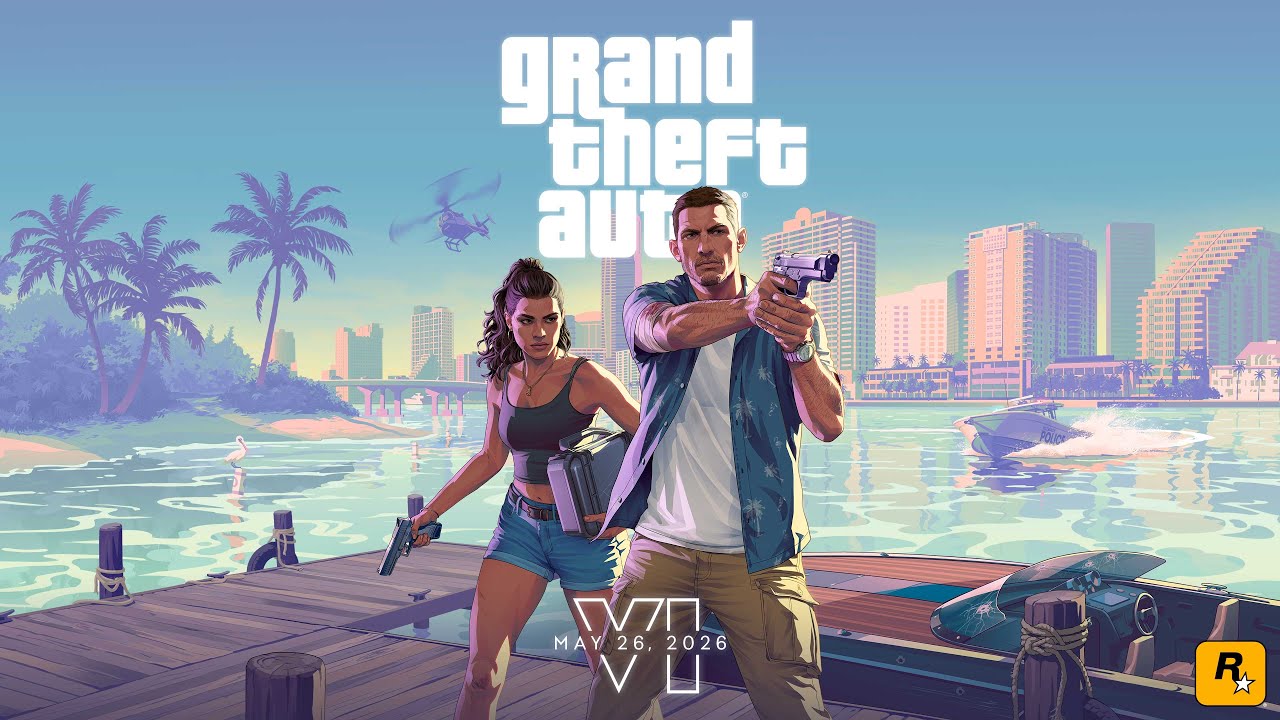
Combat in GTA VI: aiming, cover, melee, stealth and what each hit marker means
How to tune aim assist, what the colors of the hit X mean, how to use Focus in a gunfight, cover, melee moves and silent takedowns, and where to find ammo and healing mid-fight, with PS5 and Xbox buttons, where the guides disagree and no story spoilers.
By the SequeLariGTA team ·
Aiming: tune the assist before your first gunfight
GTA VI comes with aim assist, but lighter than in GTA V. The options are under Settings > Gameplay > Combat (GTA Boss). The main one is target locking: Partial mode pulls your aim toward a nearby enemy without sticking to them. Right below it, the assist strength sets how hard that pull is.
The same screen has shooting assist, drive-by assist, quick draw, cover selection and the option to holster your weapon when you get into a vehicle (GTA Boss). While aiming, left on the d-pad swaps the camera shoulder until you let go of aim, and pressing the right stick zooms in: your shots group tighter and your view gets narrower. Zoom doesn't work with sniper rifles, shotguns and designated marksman rifles (GTA Boss). The accessibility options for aiming are in our settings guide.
- Aim: L2 / LT
- Shoot: R2 / RT
- Swap shoulder: left on the d-pad, while aiming
- Zoom: R3 / right stick, while aiming
- Holster: L1 / LB
- Show the Focus, health and stamina bars: down on the d-pad
Source: GTA Boss: GTA 6 Combat Tips: Aim Assist, Focus and Hit Markers (Francis Sinclair, atualizada em 23/11/2026) · checked on Nov 24, 2026
White, yellow and red: the hit X and the Criminal Profile
Every shot that lands shows an X in the middle of the screen, and the color tells you what happened (GTA Boss). White is a normal hit: the enemy keeps fighting. Yellow means they were incapacitated, down but not dead. Red is a kill.
This weighs on your Criminal Profile, the way the game reads your style. A shot to the arm or leg incapacitates, and a shotgun from a distance often does the same; incapacitating pushes your profile toward Professional. Shooting someone who is already down pushes it toward the violent side. According to GTA Boss, the police use tasers and non-lethal force more against the Professional and Hardened profiles, and go for lethal force against the Psycho profile. How the stars go up and down is in our police guide.
- White X: a hit, but the enemy is still standing
- Yellow X: incapacitated, not dead
- Red X: dead
- Shooting someone already down: pulls your profile toward the violent side
Source: GTA Boss: GTA 6 Combat Tips: Aim Assist, Focus and Hit Markers (Francis Sinclair, atualizada em 23/11/2026) · checked on Nov 24, 2026
Focus in the middle of a gunfight
Focus slows time down and has its own bar, next to health and stamina. The bar drains fast, so save it for the right moment (GTA Boss). While it is on, the game paints vehicle weak spots in yellow (fuel tank, engine or, on an electric car, the battery; a strong rifle or shotgun takes them out in one or two shots) and the tail rotor of helicopters, shows enemies through walls as silhouettes, with the police in blue, and points out nearby noises.
Jason and Lucia each have their own Focus. Switching characters spends the other one's bar, and the one you leave behind reloads their weapon during the switch. In a chase, whoever is driving can use Focus to steer in slow motion (GTA Boss). What fills the bar depends on your profile: with Professional and Hardened, incapacitating and silent takedowns; with Violent and Psycho, headshots; with Irredeemable, nothing fills it. Outside combat, basketball, fishing and meditation also train Focus, as we explain in the Strength, Stamina and Focus guide.
- Professional and Hardened: incapacitating and silent takedowns
- Violent and Psycho: headshots (red X)
- Irredeemable: no action fills it
- Any profile: Adrenaline from your inventory gives a short boost
Source: GTA Boss: GTA 6 Combat Tips: Aim Assist, Focus and Hit Markers (Francis Sinclair, atualizada em 23/11/2026) · checked on Nov 24, 2026
Cover and gunfights
R1 (RB on Xbox) takes cover, and both guides agree on this button (GTA Boss and Vice City Hustle). Steady fire keeps enemies pinned behind their own cover, which buys you time to push forward. Running and firing from the hip also works, and suits shotguns and SMGs up close (GTA Boss).
Right after getting out of a car, R1 or RB uses the open door as cover. Inside a car, holding Circle (B on Xbox) ducks you down behind the wheel; Vice City Hustle notes that it only works when the car is stopped. Police cars, police pickups and ambulances can be searched: they give weapons, body armor, healing items, ammo and, sometimes, grenades (GTA Boss).
- Take cover: R1 / RB
- Car door as cover: R1 / RB right as you get out
- Duck inside a stopped car: hold Circle / B
- Kick from a motorcycle or swing the car door into someone: Square / X
Sources: GTA Boss: GTA 6 Combat Tips: Aim Assist, Focus and Hit Markers (Francis Sinclair, atualizada em 23/11/2026), Vice City Hustle: GTA 6 Combat and Stealth Controls: Every Button (Adam B., 21/11/2026) · checked on Nov 24, 2026
Melee: block, counter and grab
Square (X on Xbox) throws a strike; holding the button does a heavy attack. Holding L2 or LT keeps you facing your opponent, and holding R2 or RT grabs (Vice City Hustle). Defense is on Cross (A on Xbox): holding it blocks, and pressing it just before a hit lands turns it into a counter. Both guides agree here; GTA Boss adds that a tap of the same button dodges. Fighting is tiring: stamina drops and, without it, your strikes get weaker (Vice City Hustle).
Enough damage or dodges leave the enemy dazed and open a finishing move; up close you can disarm them. Melee weapons usually drop someone in one or two hits, and any of them can be thrown (GTA Boss). Wrestling throws are still player discoveries: GamerBlurb collects reports that, once you've grabbed your opponent, holding Square or X and pulling the left stick back does a rear hold, but warns that none of this is confirmed or shown in the game's controls. Jason and Lucia have different fighting animations, with judo throws for her.
- Strike: Square / X; hold for a heavy attack
- Face your opponent: hold L2 / LT
- Grab: hold R2 / RT
- Block: hold Cross / A; press at the right moment to counter
- Break an arm, unarmed: hold R2 / RT as you approach, Square / X trips and Triangle / Y finishes (GTA Boss)
- Throw someone over a railing: hold R2 / RT with no weapon and press again while moving toward the railing (GTA Boss)
Sources: Vice City Hustle: GTA 6 Combat and Stealth Controls: Every Button (Adam B., 21/11/2026), GTA Boss: GTA 6 Combat Tips: Aim Assist, Focus and Hit Markers (Francis Sinclair, atualizada em 23/11/2026), GamerBlurb: GTA 6 How to Body Slam and Suplex (21/11/2026) · checked on Nov 24, 2026
Stealth: crouch, lure and take down silently
Circle (B on Xbox) crouches, the stance for not being seen. To take someone down silently, come up behind them crouched, hold R2 or RT to grab and press Square or X repeatedly until it's done (Vice City Hustle; GTA Boss also says the chokehold takes repeated button presses). With a knife the takedown is instant, and a thrown knife incapacitates (GTA Boss).
To lure a guard, Vice City Hustle and our controls guide (based on GTABase) say to look at them and hold L2 or LT to whistle; GTA Boss puts the whistle on Triangle (Y on Xbox). Bottles and loose objects can be thrown with R2 or RT as a distraction (Vice City Hustle). While aiming at an enemy you can tag them: the tag sits above their head and shows on the minimap for a while, and tagged enemies show through walls; binoculars also tag. Watch the white curved arrow that shows where you can be seen from: get out of sight before it turns yellow (blue, if it's the police). Bodies can be carried and hidden in a car trunk (GTA Boss).
- Crouch with Circle / B
- Tag the enemies by aiming or with binoculars
- Lure the lone guard by whistling or throwing a bottle
- From behind: hold R2 / RT and press Square / X repeatedly
- Hide the body in the trunk before anyone sees
Sources: Vice City Hustle: GTA 6 Combat and Stealth Controls: Every Button (Adam B., 21/11/2026), GTA Boss: GTA 6 Combat Tips: Aim Assist, Focus and Hit Markers (Francis Sinclair, atualizada em 23/11/2026) · checked on Nov 24, 2026
Ammo, healing and what you carry
Ammo is limited, so pick up what enemies drop: cash, Zombix and cigarettes show up marked on the minimap (GTA Boss). Zombix only fills your health up to the line between normal and boosted health. Vending machines, coffee makers and sinks also restore your stats, and a meal gives extra bars; the rest of healing is in our health, healing and armor guide.
You change your loadout at weapon lockers or in the car trunk. A visible weapon draws attention; if you drop a weapon you own, it goes back to the locker or trunk, but a weapon that isn't yours is lost (GTA Boss). Two rules that change how you play: the partner you aren't controlling doesn't die in a gunfight, and whoever dies loses the cash they were carrying, while money stored in the safehouse stays safe.
- Search police cars and ambulances: weapons, armor, healing and ammo
- Pick up the loot marked on the minimap after every fight
- Store your cash in the safehouse before dangerous missions
- Use Zombix early: it doesn't go past normal health
Source: GTA Boss: GTA 6 Combat Tips: Aim Assist, Focus and Hit Markers (Francis Sinclair, atualizada em 23/11/2026) · checked on Nov 24, 2026
